NOTE: This guide is created by SamuraiMaster and was posted on LEGO Uni. This guide can contain errors because it was recovered after LEGO Uni closed down!
Given that a fair number of people have asked in other threads/message/in LU, I thought I'd post my technique for doing large-scale building without getting strapped-down by the model limit. I don't think it's anything too special, but hopefully at least a couple people out there will find it helpful.
First comes the plan. This seems to be the step that most people skip because they're so anxious to build. I can appreciate that, as building is incredibly fun. If you're looking to do some epic-scale scene that maximizes the small property space in Lego Universe, though, planning is a must. It doesn't need to be a big deal or too detailed--just enough to think it through. I keep the property layout files I made and posted in this thread handy on my iPad. Sitting on subway on the way home from work, I'll sketch ideas on top of it. Like this:
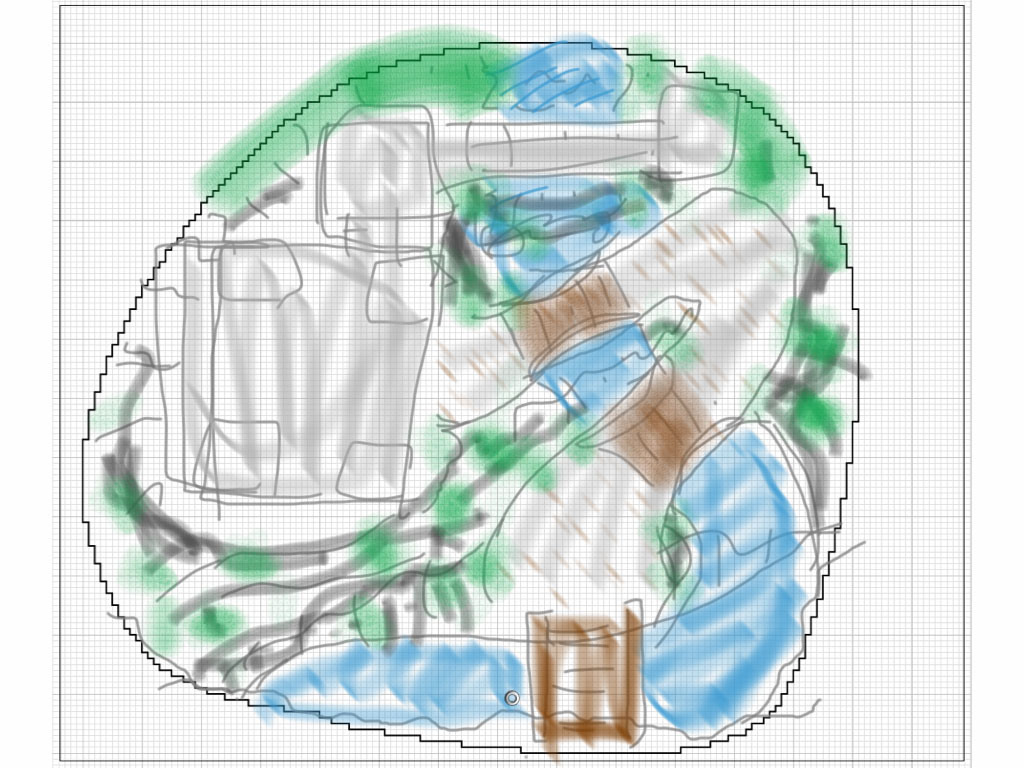
It's not amazing, but it's a start. I have more ideas on here than I've incorporated into my current property (big pagoda, another path leading up near the top of the waterfall, etc...) but as a base it serves its purpose.
Next, I previz everything in Lego Digital Designer (LDD). If you aren't using it to plan out large-scale builds, I would strongly suggest it. It's a little easier to build quickly in than LU, and you never run out of bricks.
Conceptually, it's simple: build whatever you want in LDD, then just like you use a cutter to turn a potato into french fries, slice it up. Easier said that done on large models, though, so I've come up with a few templates I use in LDD to make planning things out a little easier.
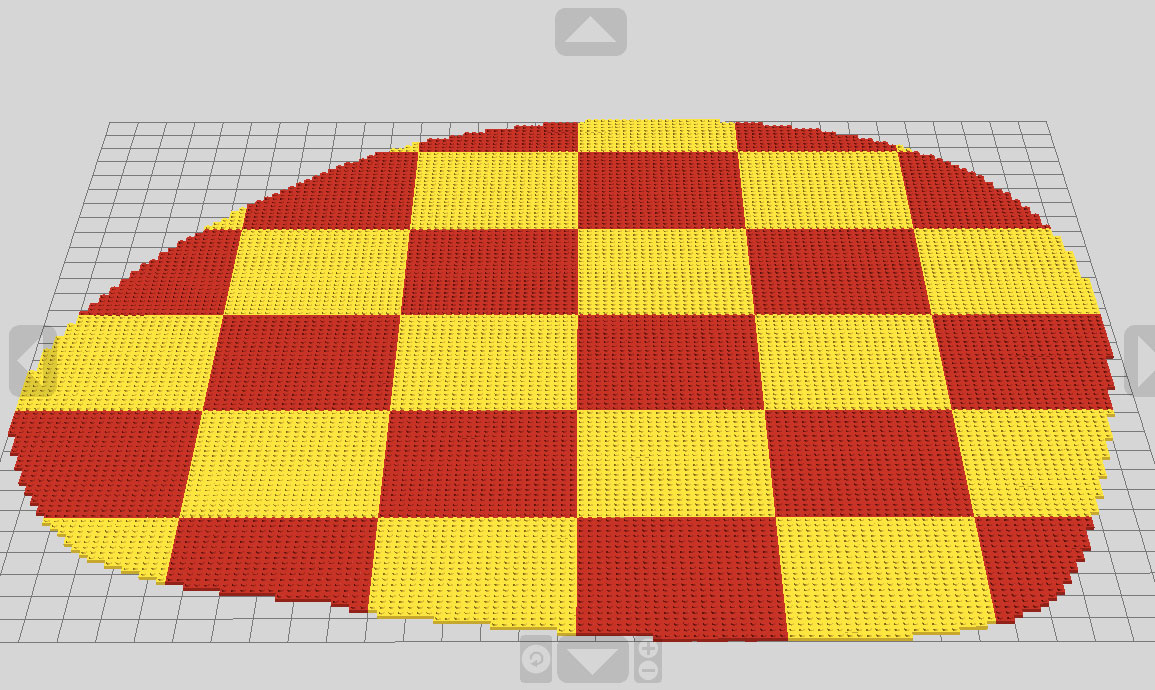
First, here is the AG property area layout. I chose to set it up how I'll be slicing things in 22x22 stud grids as most of the area in my property is landscape. This is completely arbitrary, and keep in mind you can always further divide (or combine) sliced areas later in LU as you need to place more/less bricks on them.
The plan is to eventually cover all this area up with my new landscape, so I added pillars of different color to each section's corner. This will later provide me visual cues as to where I'll be slicing things.
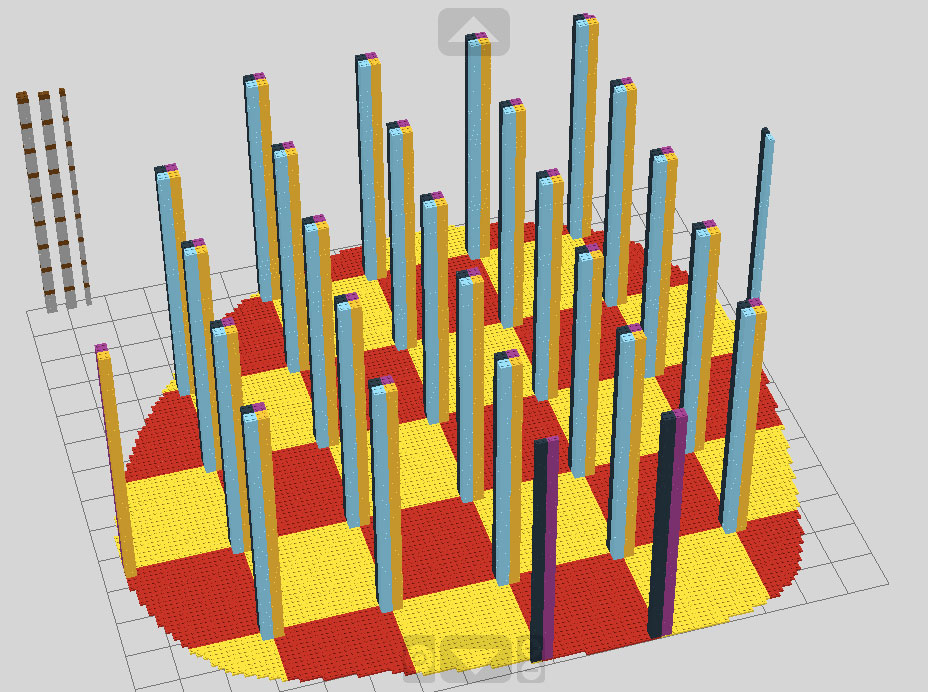
Next, I lay down my main terrain features that I'll be sculpting the land around. In this case, the waterfall, resulting stream, and pathway.
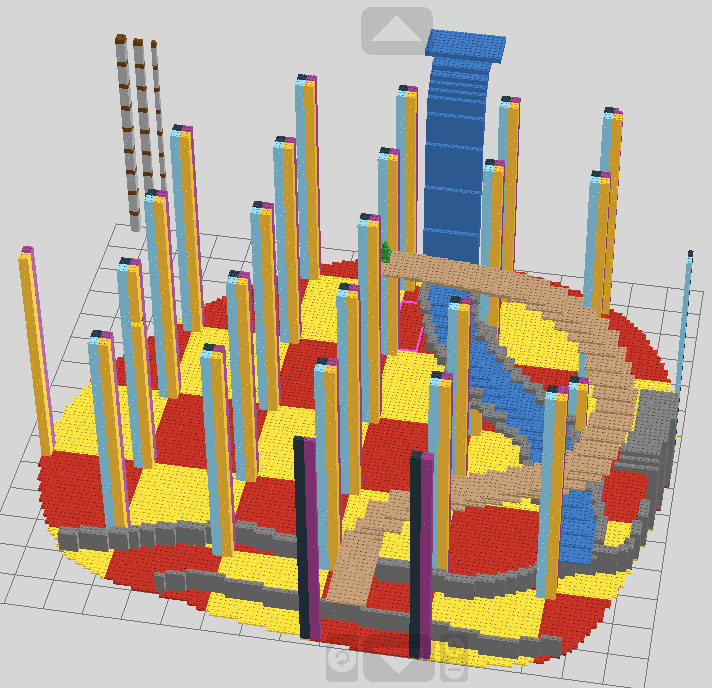
Now the main part: build it. Using the pillar guideposts, I make sure that whenever a brick crosses that imaginary line, I split it into bricks that lie on either side of that line. In the image below, you can see that all sections of the terrain are modular. While the structure appears to be a cohesive whole, they are all free-standing individual models.
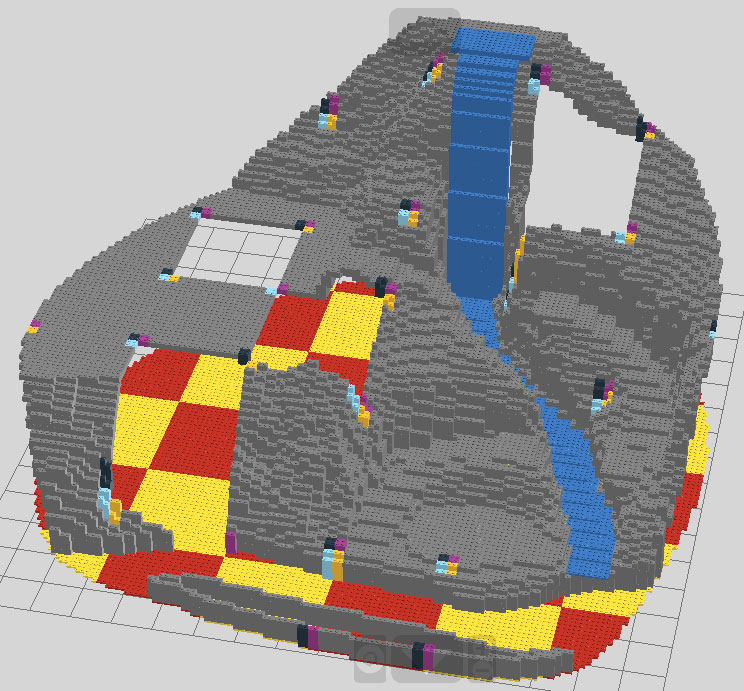
And below is the completed previz.
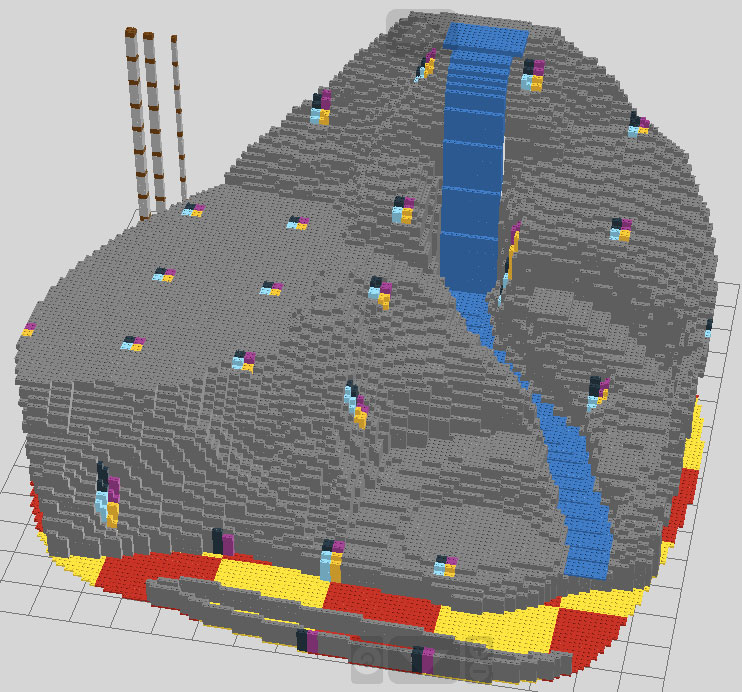
Obviously, not everything needs to be done in LDD. Now that I have the base, I'm eager to move on to Lego Universe. I'll be adding the bamboo and embellished decorative items there.
So, how do we know what we need to make all this in LU? If there's a way to get a detailed piece/brick count in LDD, I haven't found it. I export the file as a format readable on Bricksmith (or whatever flavor of LDraw-based program you use.) I generate and export a parts list as below.
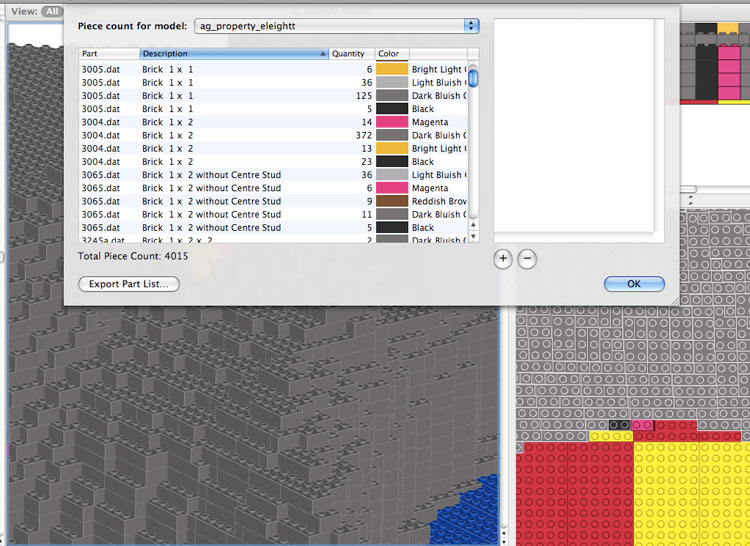
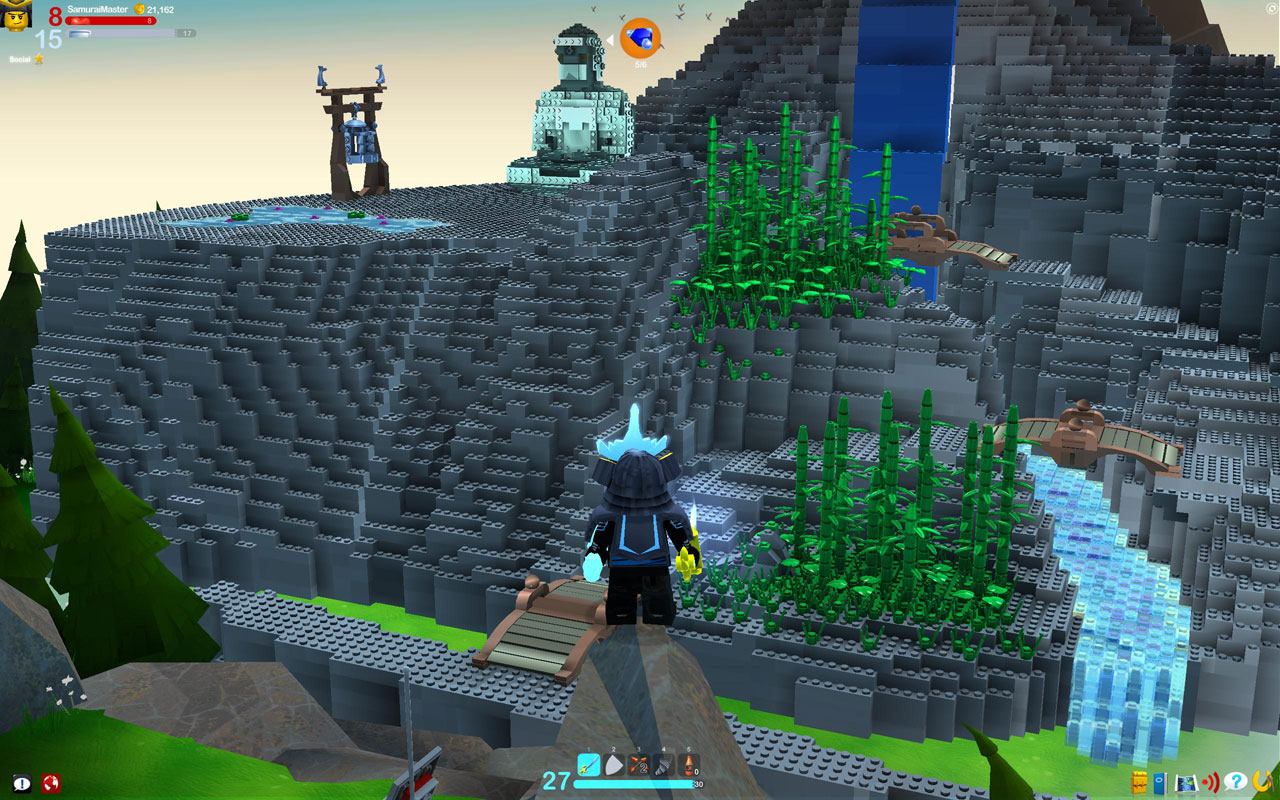
With the parts list, that's it. You're set to hop into LU and build away. Obviously, you'll need to constantly reference your original LDD file as you're building. Personally, I keep LDD up on another screen so I can look at it while I'm building. I've shown how I use this process to create a mountainside, but the concepts would be the same for a multi-story castle, elaborate space station, or any other big undertaking. It's a long process to build something large-scale in LU, but it sure is worth it.